.webp)



Discover the top CRM features every salesperson should use to enhance efficiency, manage leads, and drive sales success.
In the competitive world of sales, having the right tools at your disposal can make all the difference. Customer Relationship Management (CRM) systems offer a multitude of features designed to streamline processes, improve efficiency, and ultimately drive sales. Here are the top CRM features every salesperson should be using:
Quick answer: The top CRM features every salesperson should use are contact management, sales automation, pipeline management, lead management, reporting and analytics, mobile access, integrations, task management, customer segmentation, and collaboration tools. Used together, they cut admin time and keep deal data reliable.
The stakes are higher than the feature list suggests. According to Salesforce's State of Sales research, reps spend only about 28% of their time actually selling, with the rest lost to admin, data entry, and internal coordination. The CRM features below exist to claw that time back, but only when the data feeding them stays accurate.
Top CRM Features Every Salesperson Should Use
1. Contact Management
At the heart of any CRM is contact management. This feature allows salespeople to store and organize customer information, including contact details, communication history, and social media profiles. By having a centralized repository of customer data, sales teams can easily access and update information, ensuring they have the most current insights when reaching out to customers.
The hard part is keeping those records current. HubSpot research estimates that roughly 22.5% of B2B contact data goes stale every year as people change roles and companies restructure. Manual updates rarely keep pace, which is why teams increasingly capture contact context straight from conversations. Tools that handle recording and transcription of calls and meetings can log every interaction automatically, so the communication history in your CRM reflects what was actually said rather than what someone remembered to type.
2. Sales Automation
Sales automation is a game-changer for productivity. This feature automates repetitive tasks such as follow-up emails, meeting scheduling, and data entry. By reducing the time spent on administrative tasks, salespeople can focus more on selling and less on managing their workload. Automation also reduces the risk of human error, ensuring consistency and accuracy in sales processes.
The next step beyond rule-based automation is letting AI handle the unstructured work. Follow-up emails, call summaries, and CRM field updates can all be generated directly from the conversation itself. With custom AI agents built around your own processes, a draft follow-up or a populated deal record appears within seconds of the call ending, with no template juggling required.
3. Pipeline Management
A well-organized sales pipeline is crucial for tracking progress and identifying bottlenecks. Pipeline management features allow salespeople to visualize their sales process, from lead generation to closing deals. This helps in prioritizing tasks, managing high quality leads, and forecasting future sales. With a clear view of the pipeline, sales teams can make informed decisions and strategize effectively.
A pipeline is only as honest as the data behind each stage. When deal records are filled inconsistently, managers end up forecasting on gut feeling. Applying a clear qualification method helps, and our guide on the guide to the best sales frameworks walks through how frameworks like MEDDIC keep every opportunity comparable. The goal is simple: stage changes should reflect real buying signals, not optimism.
4. Lead Management
Managing leads efficiently can significantly impact conversion rates. Lead management features help sales teams capture, track, and nurture leads throughout the sales funnel. This includes lead scoring, which prioritizes leads based on their likelihood to convert, and lead segmentation, which categorizes leads based on specific criteria. Effective lead management ensures that sales efforts are focused on the most promising opportunities.
Lead scoring works best when it draws on what prospects actually express, not just form-fill data. Buying intent, budget signals, and stated pain points usually surface in conversations rather than in a web form. Capturing those signals and writing them back to the lead record gives your scoring model far richer inputs to work with.
5. Reporting and Analytics
Data-driven decision-making is key to sales success. Reporting and analytics features provide valuable insights into sales performance, customer behavior, and market trends. Salespeople can generate custom reports to track key metrics such as conversion rates, sales cycle length, and revenue growth. These insights help in identifying strengths and weaknesses, allowing for continuous improvement in sales strategies.
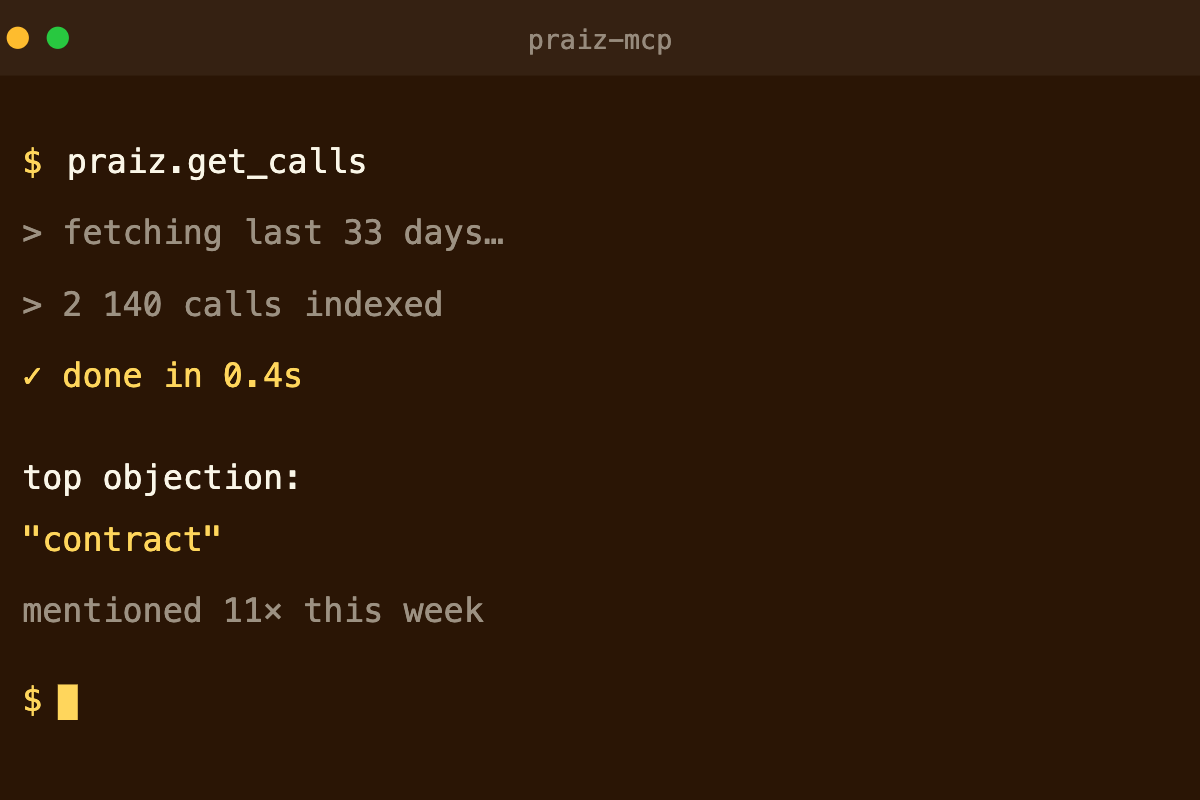
Standard CRM reporting tells you what happened in the pipeline. It rarely tells you why. To understand recurring objections, which competitors keep coming up, or which buying criteria drive deals forward, you need to analyze the conversations themselves. That is where conversation insights aggregated across every call add a layer most CRMs cannot reach on their own, turning qualitative signals into trends you can act on.
6. Mobile Access
In today’s fast-paced world, the ability to access CRM data on the go is essential. Mobile access features allow salespeople to update information, communicate with customers, and manage tasks from their smartphones or tablets. This ensures that sales teams remain productive and responsive, regardless of their location.
7. Integration Capabilities
A CRM system that integrates with other tools and platforms can greatly enhance efficiency. Integration capabilities enable seamless data exchange between the CRM and other software such as email marketing platforms, social media tools, and customer support systems. This creates a unified ecosystem where all customer interactions are tracked and managed in one place.
The strongest integrations remove manual entry entirely. When your conversation data syncs natively into HubSpot, Salesforce, Pipedrive, or your tool of choice, records stay clean without anyone copying notes across systems. You can see the full list of supported connectors on the integrations page, and modern setups now extend further: an MCP server lets you query your conversation data in plain language from tools like Claude or ChatGPT.
8. Task Management
Task management features help salespeople stay organized and on top of their responsibilities. This includes setting reminders, creating to-do lists, and assigning tasks to team members. By keeping track of daily activities, sales teams can ensure that nothing falls through the cracks and that all customer interactions are timely and effective.
9. Customer Segmentation
Customer segmentation allows sales teams to categorize their customers based on various criteria such as demographics, purchase history, and engagement level. This enables personalized marketing and sales strategies, ensuring that each customer receives relevant and targeted communication. Segmentation helps in maximizing the impact of sales efforts and improving customer satisfaction.
10. Collaboration Tools
Collaboration is vital for a cohesive sales team. CRM systems with built-in collaboration tools facilitate communication and information sharing among team members. This includes features like shared calendars, team dashboards, and internal messaging. By fostering a collaborative environment, sales teams can work together more effectively and achieve their goals.
Incorporating these top CRM features into your sales process can lead to greater efficiency, improved customer relationships, and ultimately, higher sales. By leveraging the full potential of your CRM system, you can stay ahead of the competition and drive your sales success.
Native CRM features vs. conversation-powered CRM features
Every CRM feature above assumes the data inside it is complete and current. In practice, that assumption breaks down fast. The table below shows what each feature looks like on its own, and what changes when conversation data feeds it automatically.
| CRM capability | What the CRM does | What it looks like |
|---|---|---|
| Contact management | Stores the fields reps remember to type | Records enriched from every call, with no manual entry |
| Sales automation | Automates tasks once the data already exists | Follow-up drafts and field updates generated from the call itself |
| Pipeline management | Shows the stage a rep selected | Reflects real signals: budget, next steps, objections captured live |
| Reporting and analytics | Reports on logged activity | Reports on what was actually said: objections, competitors, buying criteria |
| Lead management | Scores leads on form-fill data | Scores and qualifies on what the prospect expressed in the conversation |
This is the difference between a CRM that records your selling and a CRM that understands it.
Why your CRM features are only as good as your data
Here is a direct answer: a CRM feature is only as useful as the data it runs on. If deal fields are half-filled and notes are inconsistent, even the best pipeline view or forecast model produces unreliable output.
Two structural problems work against most teams. First, reps lose the majority of their week to non-selling work, so CRM updates get rushed or skipped. Second, data decays on its own as contacts change roles and companies restructure. Together they leave you forecasting on incomplete information.
The fix is to remove manual data entry from the equation. When ready-to-use AI agents extract key data from every conversation and write it straight into the CRM, completion rates climb and reps stop spending evenings on cleanup. For a practical starting point, our CRM data hygiene checklist covers the fields worth automating first.
This applies most to teams running structured B2B sales motions with multi-stakeholder deals. Very simple, single-touch sales processes will see a smaller effect.
How to get more value from your CRM features in 2026
You do not need more features. You need the ones you have to run on better inputs. A simple sequence:
- Audit which CRM features your team actually uses, and which sit idle.
- Identify the fields that drive forecasting and coaching, then check how often they are filled.
- Automate data capture from calls and meetings so those fields populate without manual entry.
- Connect the CRM to the rest of your stack so context flows in one direction, automatically.
- Move from reporting to action by analyzing trends across conversations, not just individual deals.
Done in order, this turns a CRM from a system of record into a system that actually informs decisions.
Frequently Asked Questions
What is the most important CRM feature for salespeople?
Pipeline management and reporting tend to matter most, because they drive forecasting and prioritization.
That said, no feature performs well without complete, accurate data underneath it, so data capture quietly determines how valuable every other feature becomes.
Which CRM features improve sales productivity the most?
Sales automation, integrations, and task management deliver the biggest productivity gains, since they remove repetitive admin work.
The impact grows when data entry itself is automated from conversations, freeing reps to spend more time selling.
Do I need conversation intelligence on top of my CRM?
Not strictly, but it addresses the weakest point of most CRM setups: incomplete and inconsistent data.
Capturing what was said in calls and writing it back to the CRM keeps records reliable and surfaces trends your CRM cannot see on its own.
What is the difference between a CRM and a sales engagement tool?
A CRM stores and organizes customer data and deal history. A sales engagement or conversation intelligence tool sits alongside it, capturing and analyzing interactions, then feeding structured data back into the CRM so it stays current.