You decide what Praiz looks for in every conversation, in what form, and where the result goes. No code, in plain language.
“Praiz helped us build agents aligned with our sales needs. We now have clear visibility on objections, automated coaching, and reliable HubSpot updates.”


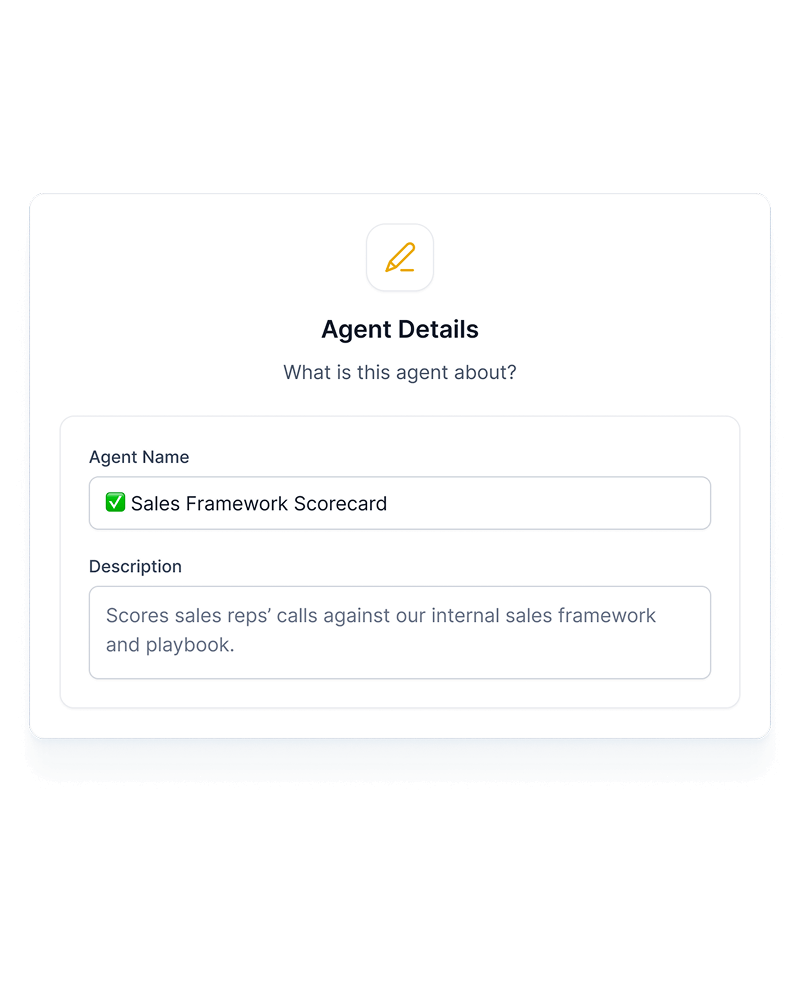
A Praiz agent comes down to three decisions: what it should spot in the conversation, in what form it answers, and which calls it runs on. You write it in plain language, the way you'd explain it to a new hire.
The agent follows your internal processes, your sales method and your definitions, not a standard template. Two companies selling the same product don't end up with the same agents.
Generate. The agent writes from the call: a structured summary, a follow-up email, a customer story.
Evaluate. The agent scores the call against your grid: discovery, objections, MEDDIC or SPICED criteria.
Detect. The agent picks up what was said: objections, competitors, feature requests, churn signals.
Several agents can analyze the same call, each on its own subject, and you choose which calls each one runs on: a team, a meeting type, a stage of the cycle.
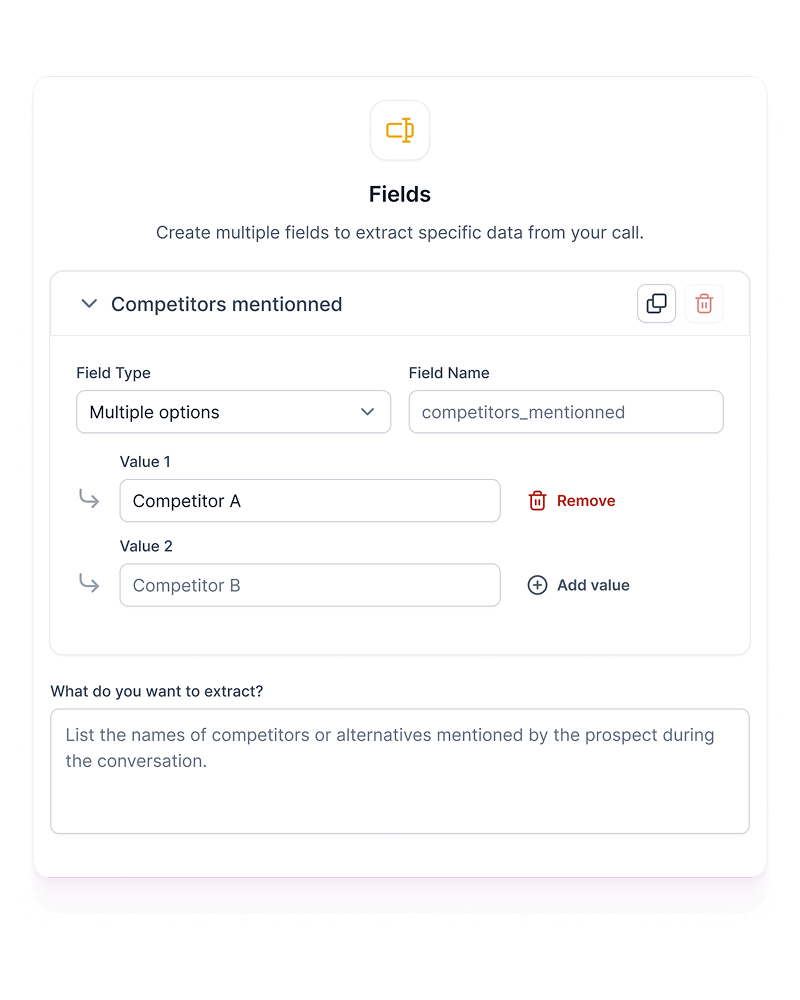
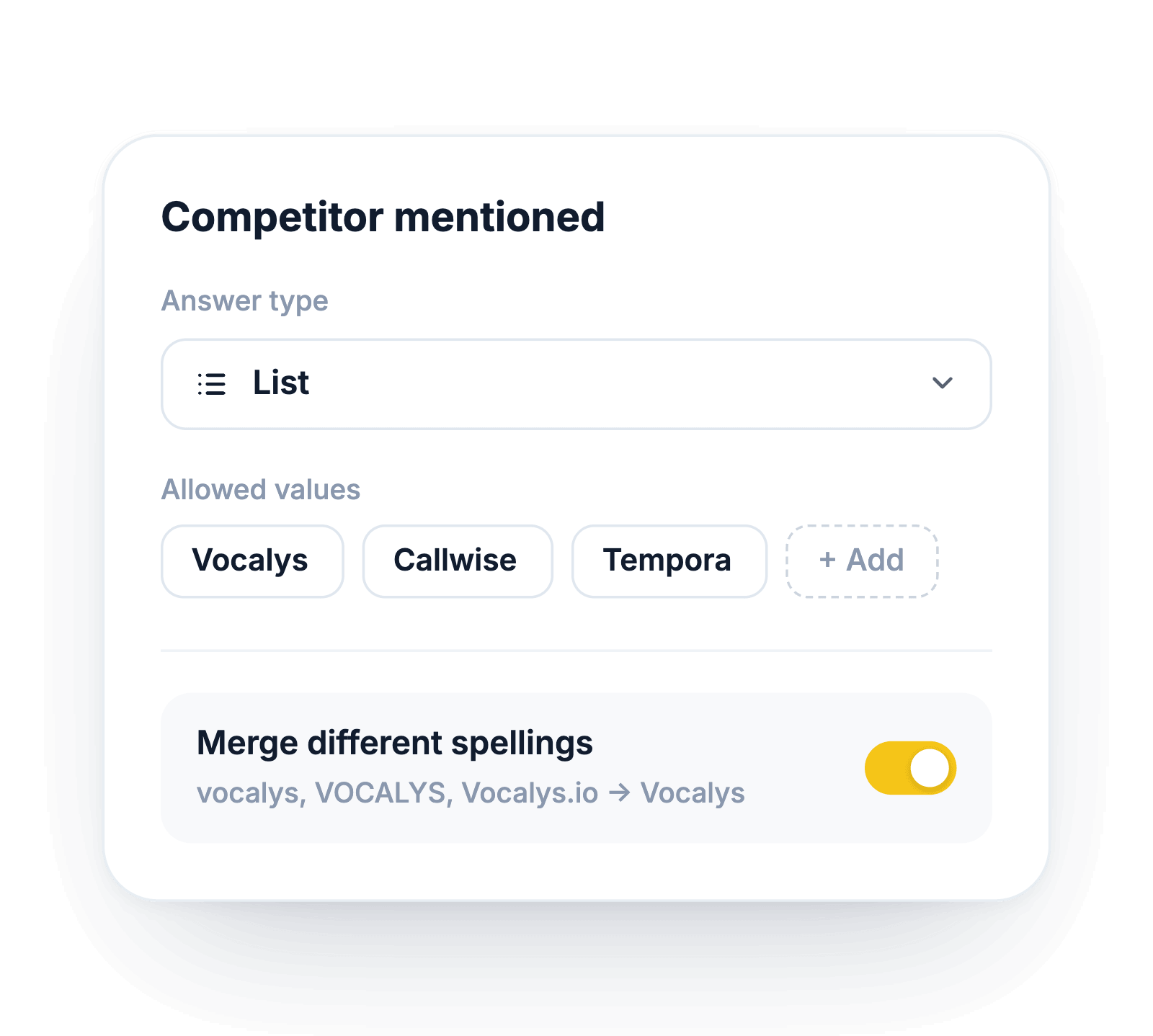
For each piece of information, you choose the form of the answer: a choice from a list you define, a yes or no, a number, or text. A fixed list keeps the same competitor from being written four different ways.
That's what makes results comparable from one call to the next, and usable in a report or a CRM field.
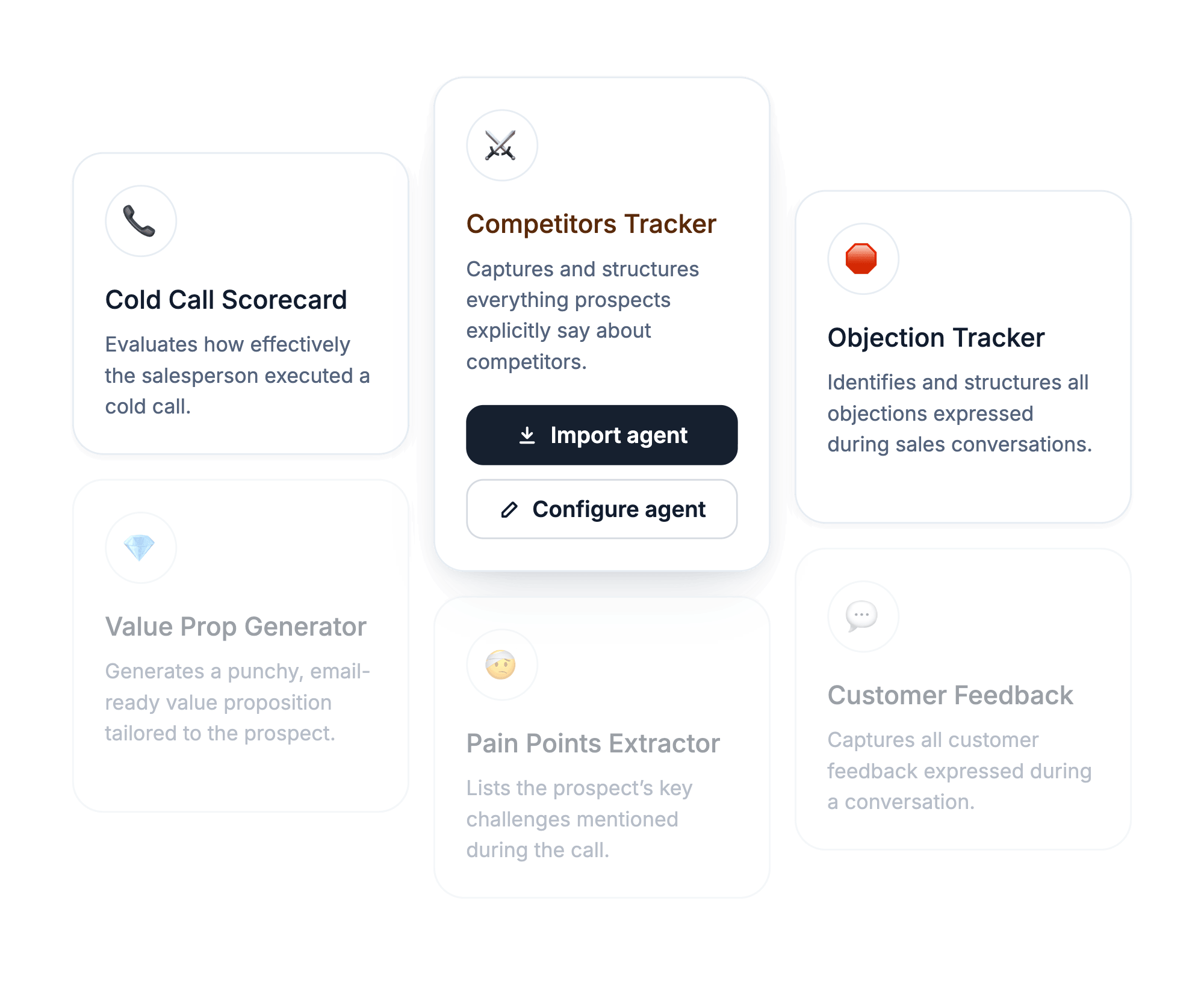
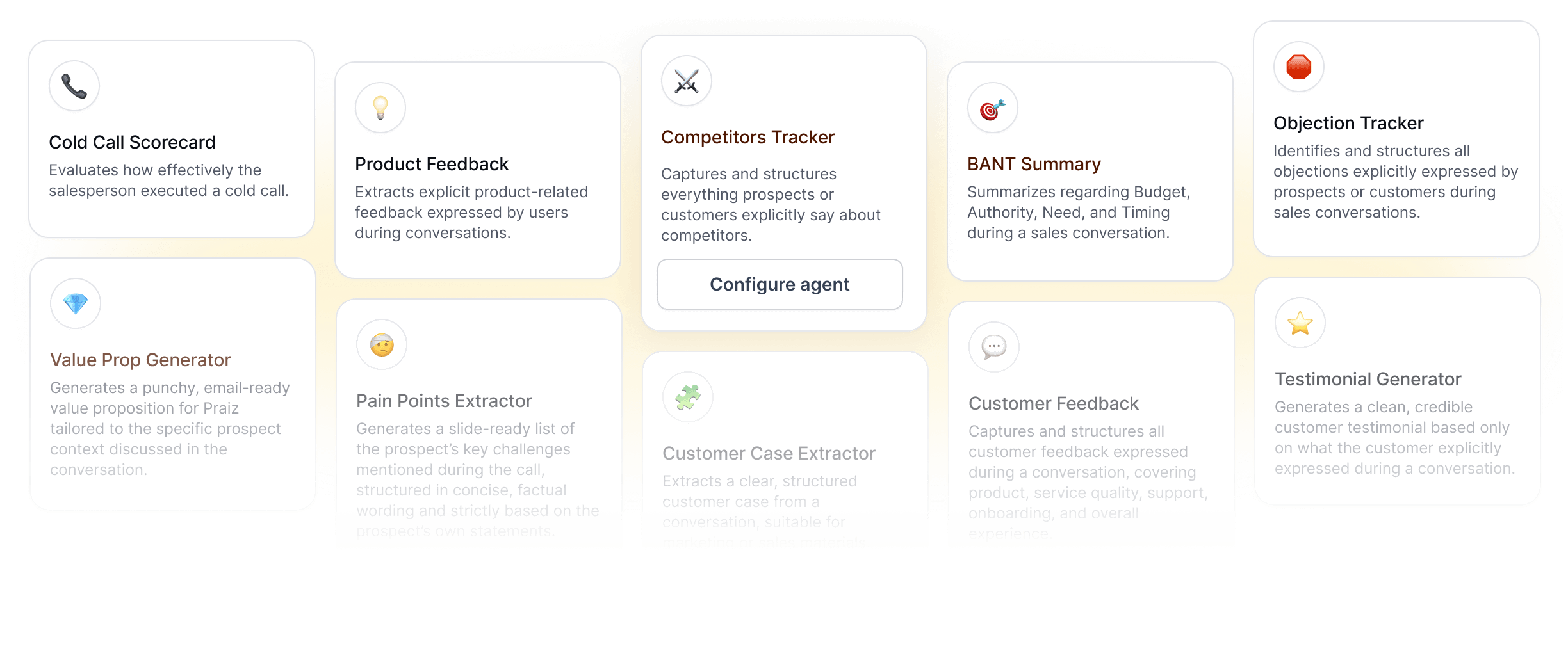
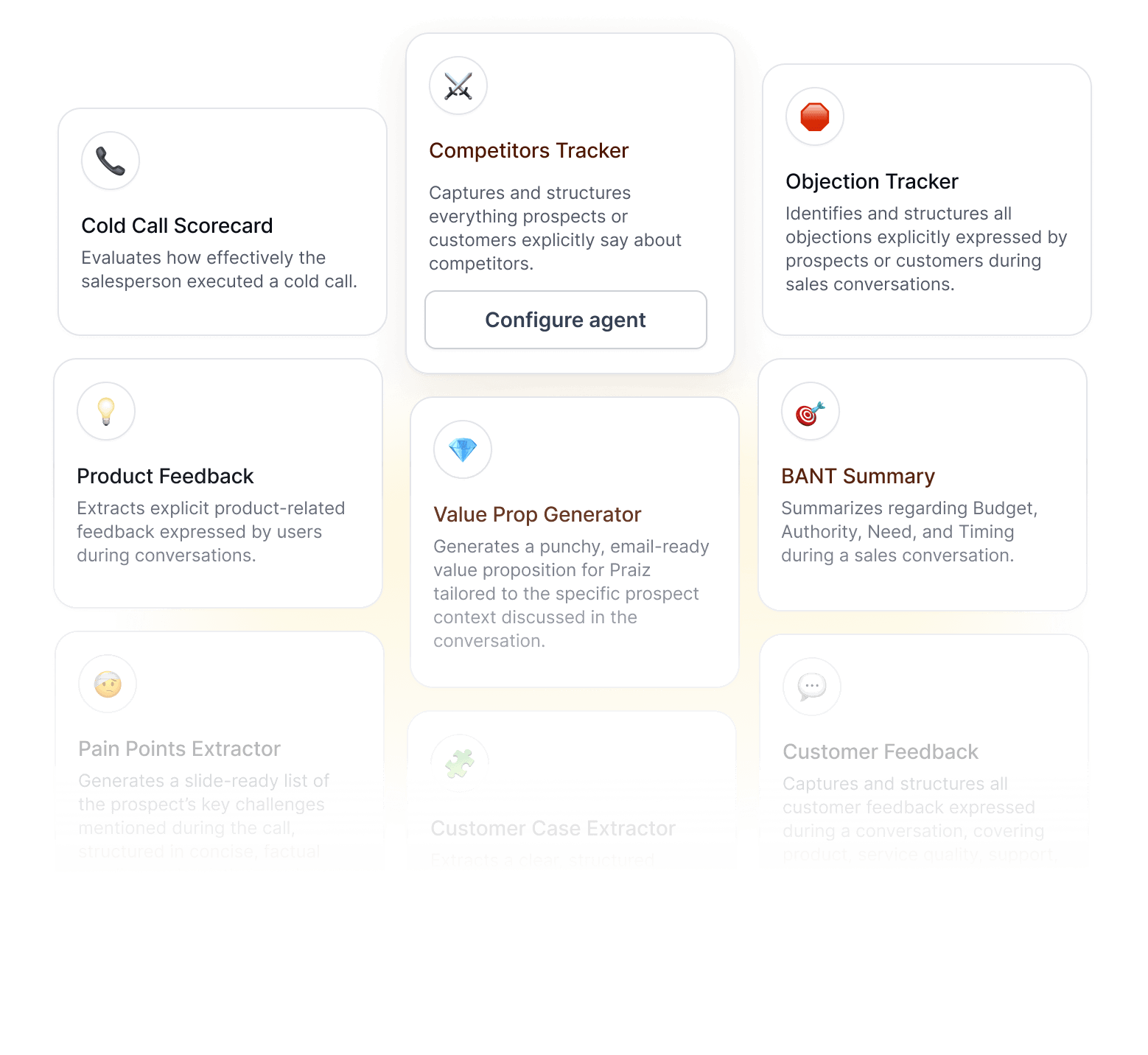
The library holds ready-made agents built for common needs: objection handling, competitor tracking, product feedback, cold call scoring. Turn one on, keep it as is, or adapt it to your vocabulary.

Extracts explicit product-related feedback expressed by users during conversations.

Captures and structures everything prospects or customers explicitly say about competitors.
Evaluates how effectively the salesperson executed a cold call.
It's an agent you configure yourself to analyze your conversations. You decide what it looks for, in what form it answers and which calls it runs on. It follows your logic, your sales method and your vocabulary, instead of a standard analysis that's identical for every company.
No. You write your instructions in plain language, the way you'd explain them to a new hire. You then choose the form of each answer: a list of values, a yes or no, a number, or text. No technical skill is required.
You describe what you want to pull out of a call, choose the form of each answer, and pick the calls the agent runs on. You can start from a ready-made agent in the AI agents library and adapt it, or from a blank page. The Praiz team can also do it with you at the start, from your playbook and your goals.
Anything that was said: needs, objections, budget, competitors, feature requests, qualification criteria, churn signals. The agent never infers what wasn't said. What you do with it next is covered on the AI call analysis page.
Yes. Each agent focuses on one subject and they work in parallel on the same conversation: one scores the call, another picks up objections, a third tracks competitors mentioned. You choose which calls each agent runs on, by team or by meeting type.
The library holds ready-made agents built for common needs: objections, competitors, product feedback, cold call scoring. You turn one on in a click, then adapt it to your vocabulary. A custom agent starts from your own needs, from a blank page. In both cases the configuration stays editable.
Yes. Each extracted answer can be sent to a specific CRM field, and you decide whether the value replaces the previous one or adds on top after the next call. Sending rules and alerts are covered on the post-call automation page.
From Zoom, Google Meet and Microsoft Teams meetings, from calls made with Aircall, Ringover and Minari, and from in-person meetings recorded with the mobile app. Agents work on the transcript, produced automatically in 100+ languages. See call recording and transcription.
.webp)

