.webp)




Is your pipeline suffering because critical deal details vanish the moment a call ends? A data-driven meeting minutes template turns vague discussions into actionable CRM records and more reliable forecasts. This guide shows how to shift from passive note-taking to automated capture that keeps your data clean and helps your sales cycle move faster, and it includes a template you can copy. Upgrade your meeting minutes with automation. Move from basic summaries to actionable CRM data and revenue insights.
The essential takeaway: sales meeting reports are not administrative chores, they are performance tools designed to secure commitments. Moving from manual notes to structured data helps keep the CRM accurate and prevents deals from stalling. By automating this process, sales teams turn fleeting conversations into reliable revenue data, because a deal without a documented next step barely exists in the pipeline.
What a sales meeting report is for (and what it isn't)
More than just a record
Let's stop treating minutes as administrative busywork. For a high-performing sales team, a meeting minutes template is a practical tool focused on the commitments made, not just the words exchanged. Its purpose is simple: bring clarity, support accountability, and keep specific sales objectives in view. Passive recording does little on its own. A good template turns loose conversations into traceable actions and feeds your CRM with reliable facts, which helps reduce incomplete or unusable data.
The cost of weak follow-up
Without a structured framework, revenue slips away. Opportunities fade, next steps stay fuzzy, and deals stall, while forecasts drift toward guesswork because they rely on memory rather than documented reality. The simple rule: if it is not written down and tracked, it barely exists in your pipeline. A meeting without clear minutes is just a conversation, and a sales meeting without them is a missed chance to move a deal forward.
The building blocks of a sales-focused meeting template
Essential information to capture
Forget logging only dates and attendees; that part is administrative filler. A real sales meeting minutes template should capture what actually moves a deal and reduces guesswork. Here is the data you really need:
- Meeting objective: the single goal of the conversation, for example qualify a lead, demo the product, or negotiate terms.
- Key discussion points and objections: the customer's main pain points and hesitations, which are useful for future calls.
- Decisions and commitments: what was agreed, not just "follow-up" but "send the proposal by Friday end of day."
- Action items with owners and deadlines: who does what and by when, linked directly to CRM tasks.
The template you can copy
Here is a simple, copy-paste template you can adapt to your process. Keep it concise and tied to your pipeline stages.
From generic notes to sales intelligence
Here is the difference between a static administrative record and a tool that actually supports revenue. A standardized minutes format might satisfy a compliance need, but it does little for sales velocity. The table below shows how to upgrade each component for a sales context.
| Standard component | Sales-focused upgrade |
|---|---|
| Agenda item | Pipeline stage and deal blocker |
| Discussion summary | Customer pain points and buying signals |
| Decisions made | Next steps committed by the prospect and the rep |
| Action items | CRM update required (for example, update deal value, log the call) |
Stop taking notes, start capturing intelligence
Having the right structure is one thing. The real bottleneck is the time spent filling it out by hand.
The problem with manual note-taking
You face a trade-off on every call: stay fully present with the prospect, or carefully fill out a meeting minutes template. You rarely manage both well, which creates tension between client engagement and data quality. The result is predictable: notes are incomplete, a bit biased, and often reach the CRM hours later, which affects the reliability of your forecasts. This is why AI meeting notes tools are becoming a standard part of the modern sales stack.
How AI transforms your meeting minutes
AI-driven tools now transcribe and structure meeting data automatically. The technology does not replace the salesperson, it supports them by removing most of the administrative burden. In practice, you get automatic transcription, identification of key moments, and a structured summary generated from your own template, so you capture the reality of the call without missing a beat. The goal is not just to record what was said, but to extract usable information and push it where it matters most: your CRM.
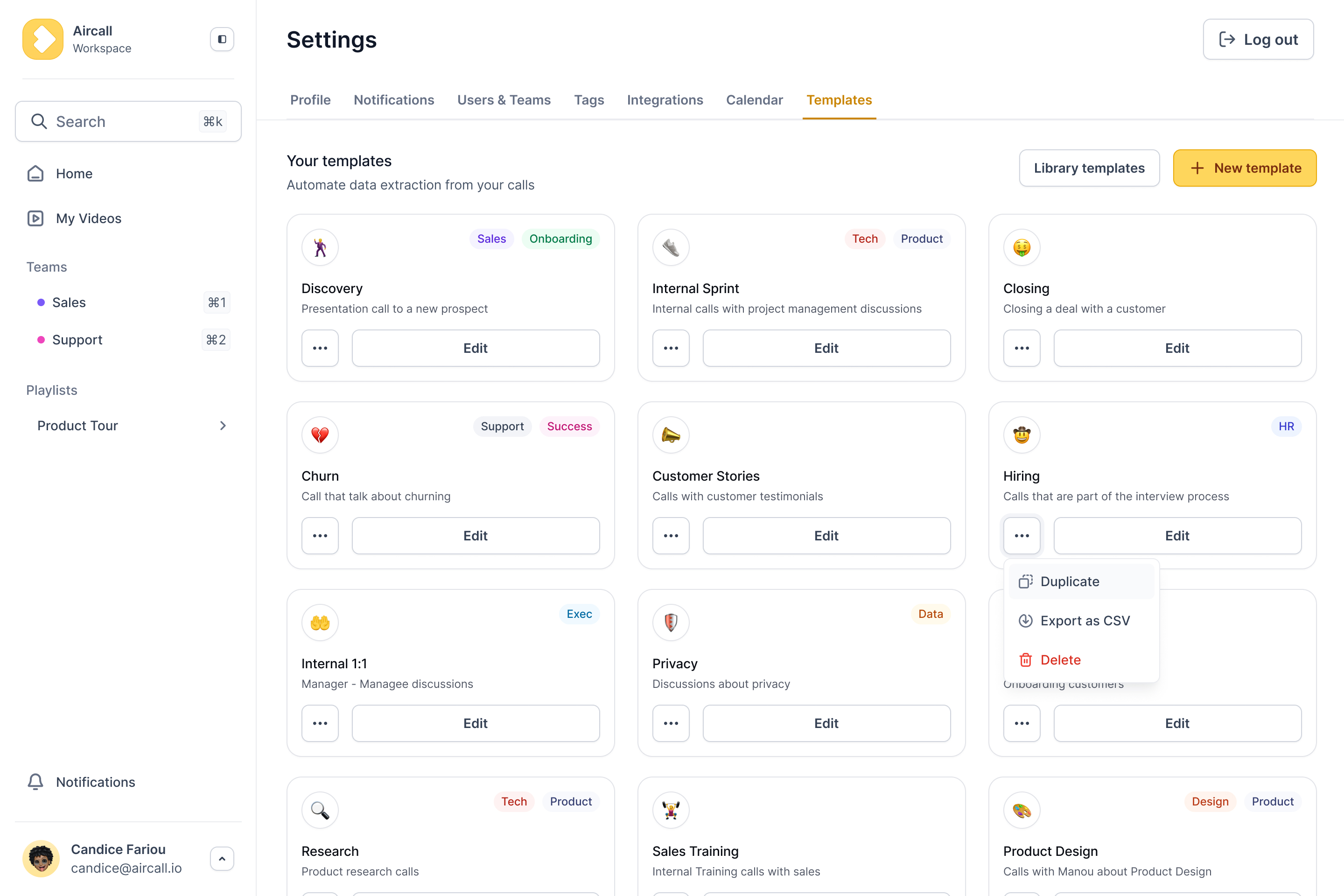
Putting your sales meeting template into action
Choosing your tool: static vs dynamic
Let's be honest, grabbing a standard meeting minutes template in Word or Google Docs is a reasonable start, since it brings a minimum of discipline to your team. But there is a catch: manual entry depends entirely on individual discipline, and even collaboration tools struggle to bridge that gap. Beyond the template itself, better habits help too, as covered in our strategies for improving collaboration and communication.
- Static templates: good for basic standardization and zero cost, but high manual effort and lower data quality.
- AI-powered platforms: higher ROI, less manual work, usable data, and tighter integration.
Making your data work for you
The goal is not just tidy notes, it is capturing data that drives revenue. This is where integrations become a central piece of your stack: AI can feed your CRM with reliable information, update deal stages, and surface coaching moments. It works as an AI layer that enriches your CRM rather than adding another admin task, so you get clearer visibility into what is really happening. A solid template is step one for turning conversations into revenue, and automating it is the logical next move.
See it in action
Stop logging calls. Start mining them.
Praiz extracts the data hidden in your customer conversations and pushes it straight to your CRM.
Effective sales meeting reports are not about compliance, they are about closing deals. Moving from static notes to AI-driven capture helps your CRM reflect reality rather than guesswork. Standardize your process, and free your reps to focus on selling rather than typing.
Frequently Asked Questions
How do I write meeting minutes that actually drive sales performance?
The goal is to capture sales intelligence, not to transcribe every word. Effective minutes extract the data that moves the deal forward: identify the customer's concrete pain points, document the exact objections raised, and record the commitments made by both sides, with every note translating into a CRM update.
If your minutes do not result in a clear next step with an owner and a deadline, they are closer to administrative noise. Keep them concise, objective, and tied to pipeline stages.
Is a Word meeting minutes template enough for a sales team?
Technically yes, strategically not really. A Word document is a static file that creates data silos and relies on reps to copy and paste information into the CRM, which rarely happens accurately.
Word can help you prototype a structure, but it does little for data hygiene or forecasting. Higher-performing teams rely on integrated tools that structure the data and push it directly into Salesforce or HubSpot.
What are the essential building blocks of a sales meeting minutes template?
A sales-focused template should be designed to unblock deals rather than to log generic headers. The four core sections are: meeting objective (the single goal), key blockers and objections, decisions made, and action items.
Action items must be explicit about who does what and by when. "Follow up next week" is vague, while "send technical specs by Thursday end of day, owner: John Doe" creates accountability and momentum.
What are the most costly mistakes in sales meeting documentation?
The biggest mistake is disconnecting notes from the CRM. When information lives only in documents or notebooks, pipeline visibility becomes guesswork rather than forecasting.
Another common error is passivity: recording discussions without defining next steps, which creates stalled deals that clog the pipeline. Finally, avoid the wall of text. If your minutes are not structured with bullet points and clear key data, they will not be read, and lost context costs deals.
.png)