An AI voice recorder for your in-person sales meetings

A meeting at the customer's office leaves few traces: a few notes, then a summary written from memory. The Praiz mobile app records the conversation. You then get the transcript, the meeting summary, and your CRM fields filled in.


AI voice recording for in-person meetings
Trusted by 500+ teams

Put your phone on the table

The Praiz app works like a voice recorder, on iPhone and Android. You start recording at the beginning of the meeting and stop it at the end.
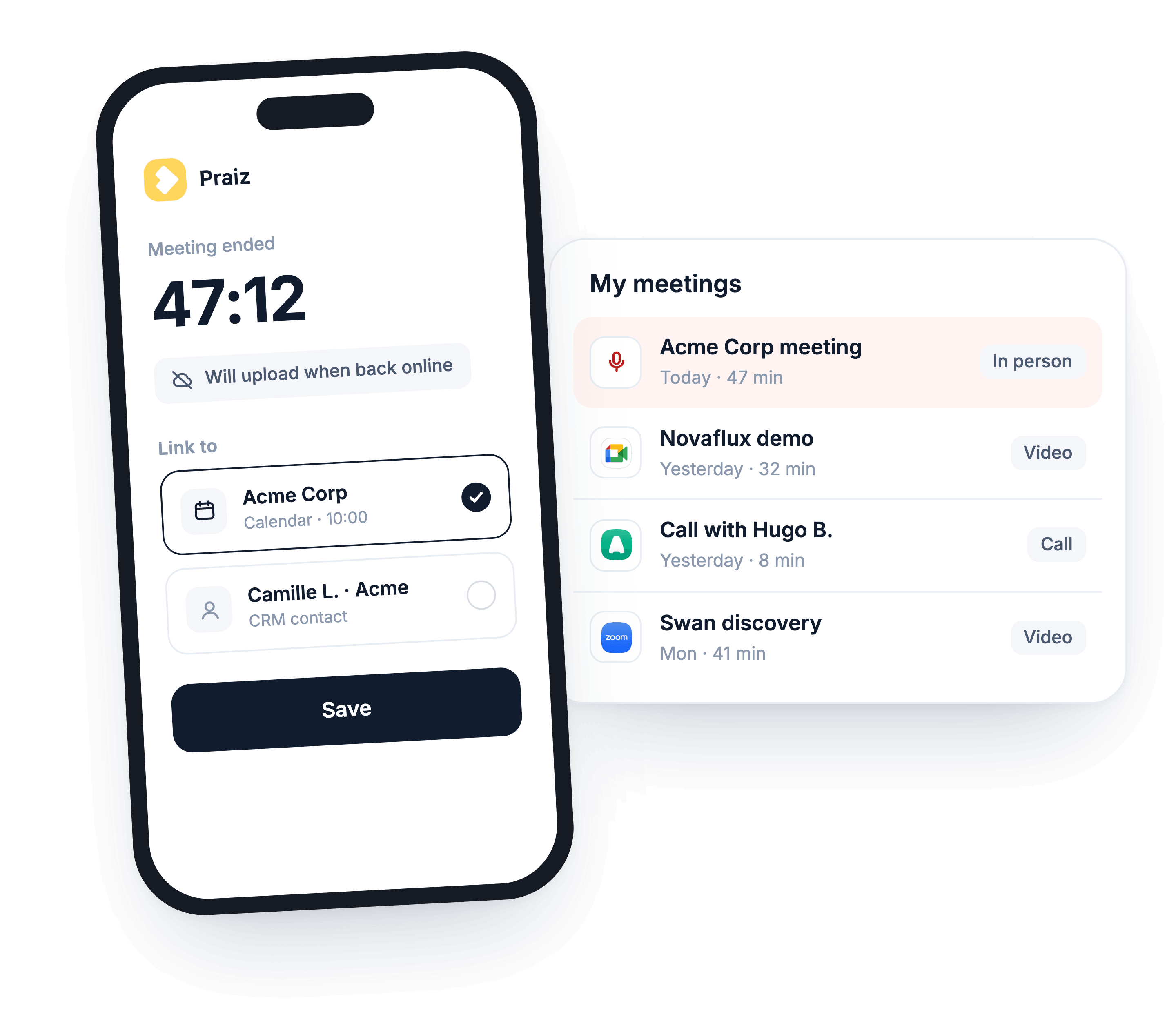
No
signal needed
The recording stays on the phone, then goes to Praiz once you're back online.
Linked to
the right customer
You attach the recording to a meeting in your calendar or to a contact in your CRM.
Stored with
the rest
The meeting appears in Praiz with the rest of your video meetings and calls.
AI meeting recorder on mobile app

A meeting summary ready to review after the meeting

The conversation is transcribed, then your AI agents analyze it. They write the summary in your template, draft the follow-up email, and fill in your CRM fields.

Everything is ready before you're back at the office. You review, correct if needed, and move on to your next meeting.

Explore automatic CRM updates →
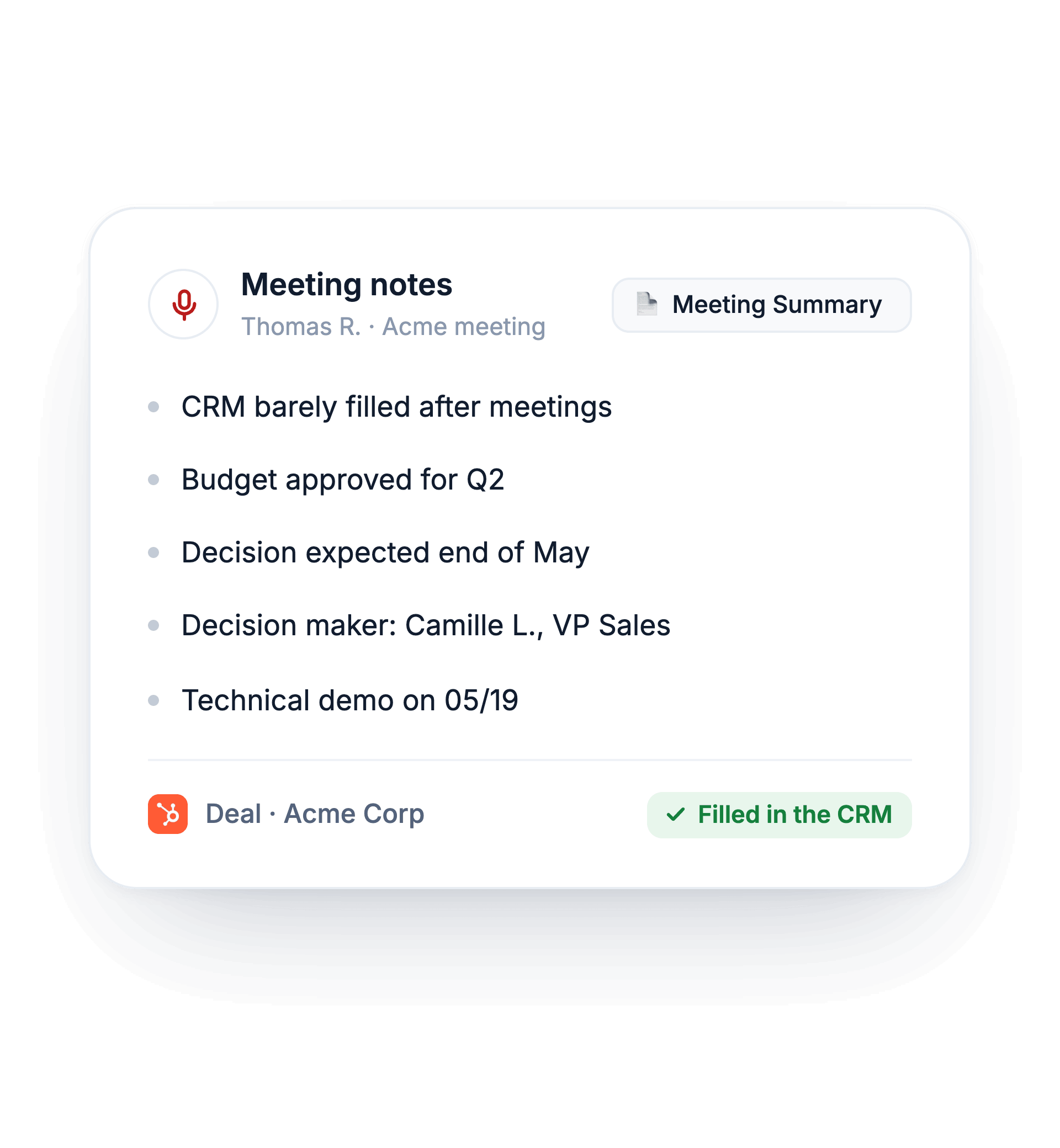
Meeting notes AI generated

Field meetings analyzed like your video calls

A manager only knows a field meeting through the rep's account of it.

With Praiz, your agents also analyze in-person meetings: scoring against your sales method, objections, competitors mentioned.

Explore sales coaching →
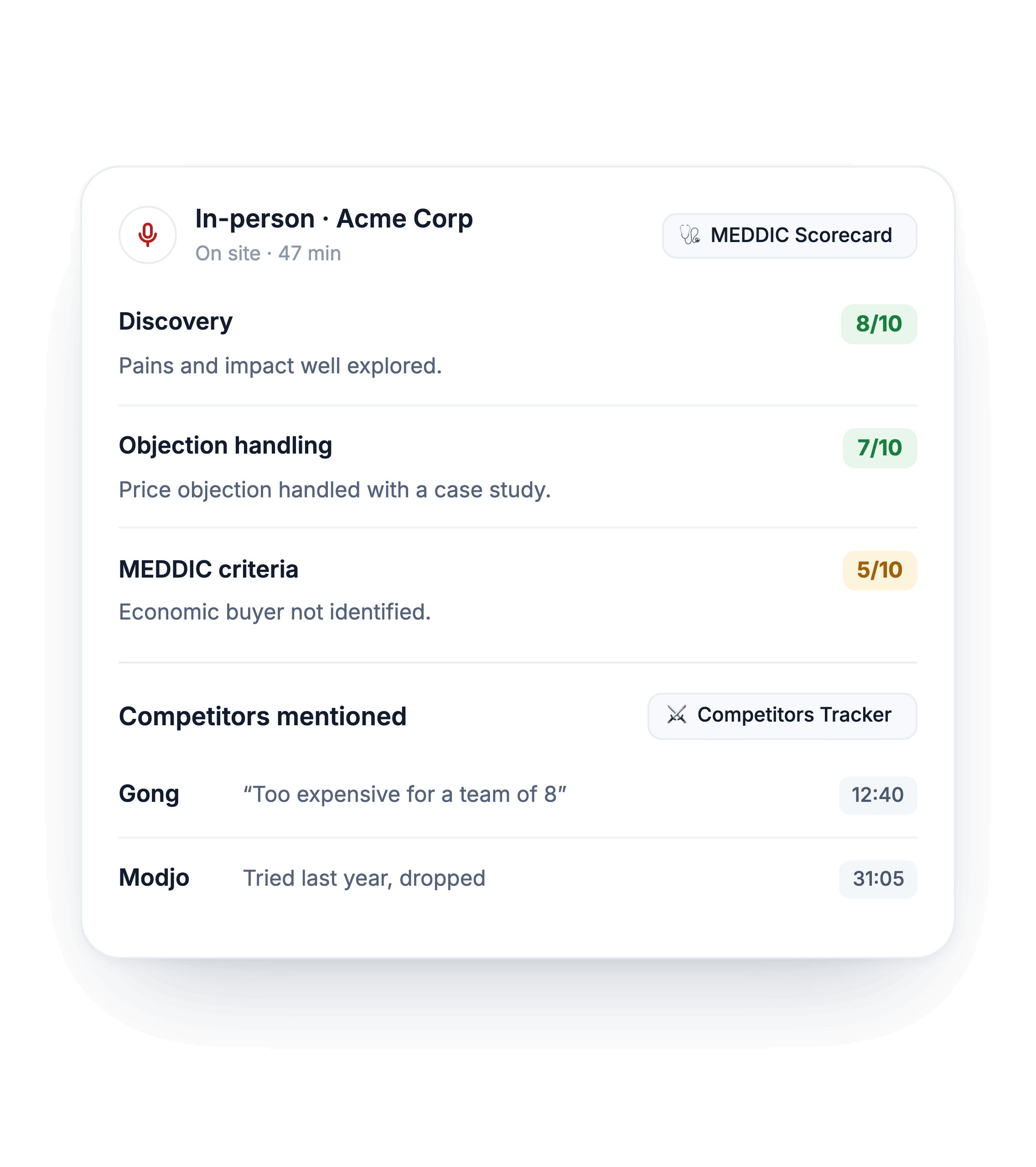
In-person meeting recorder

At trade shows, a voice recap right after the conversation

At a trade show, one meeting follows another. Right after talking with a prospect, the rep records a voice recap in the Praiz app: who they met, what the prospect needs, the next step.

No detail gets lost, even after a full day on the booth. The recap is then transcribed and analyzed by your AI agents.
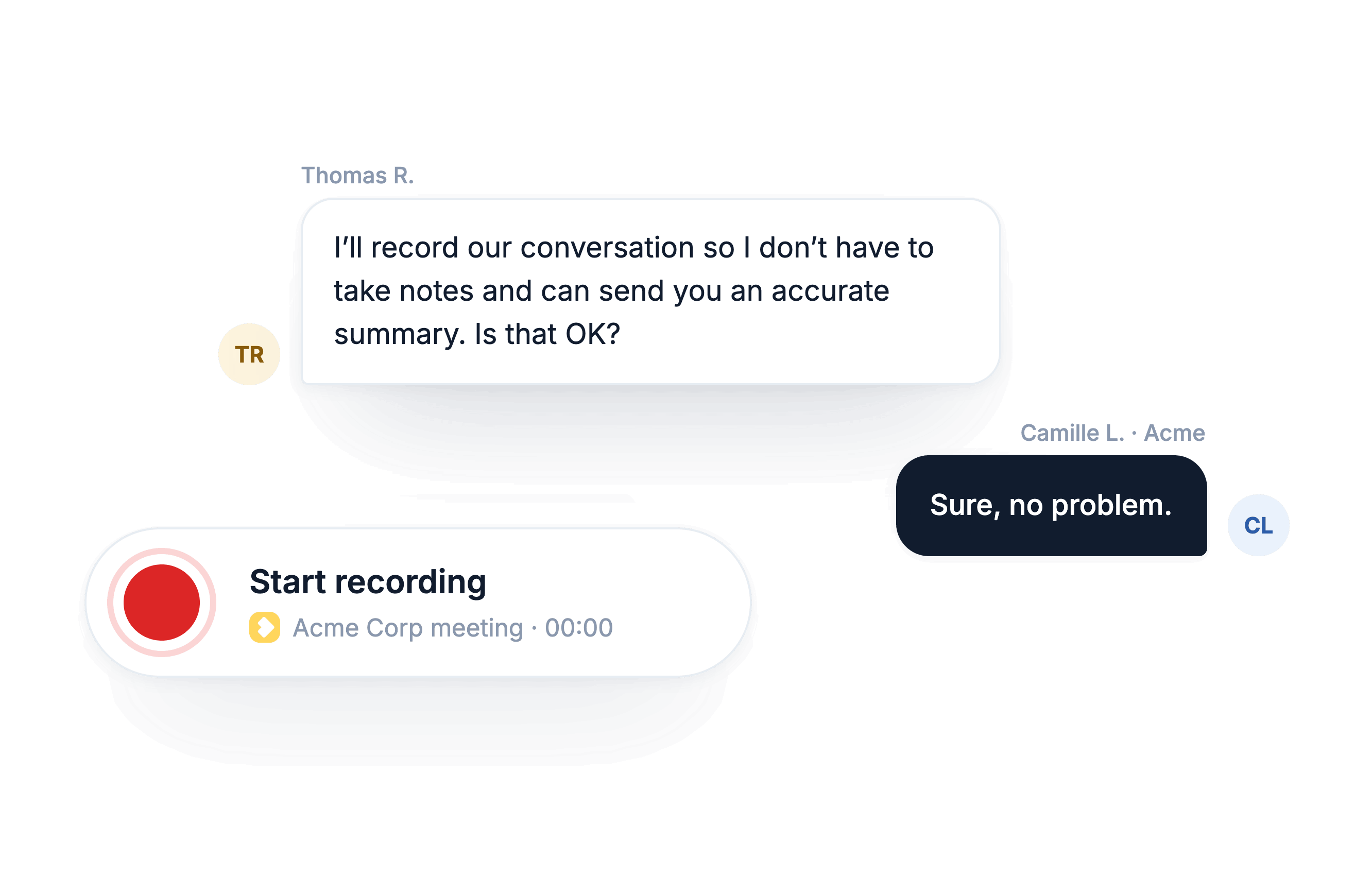
Ask for consent before recording meeting

Your in-person meetings, video meetings, and calls in one place

In-person meetings land in Praiz with your other sales conversations. You find every conversation with a customer without switching tools.

FAQ

Frequently asked questions

Do I need a signal during the meeting?
+
No. The recording stays on the phone. It is sent to Praiz as soon as you're back online. You can record in a basement, on a construction site, or anywhere without coverage.
Which phones does the app work on?
+
iPhone and Android. You download the app from the App Store or Google Play, then sign in with your Praiz account.
How is it different from my phone's voice recorder?
+
A voice recorder leaves you with an audio file. Praiz transcribes the conversation, writes the summary in your template, and fills in your CRM. It also drafts the follow-up email. You no longer need to listen back to find what the customer said.
Do I need to tell the customer?
+
Yes. You need to tell them and get their consent before recording. In practice, say it at the start and explain why: you'll be more attentive, and they'll get an accurate summary. Our article on sales call recording covers the compliance basics.
Does the meeting go into the CRM?
+
Yes. You attach the recording to a meeting in your calendar or to a contact in your CRM. The agents then fill in the fields you chose and add the meeting summary. Reps have nothing to retype after the meeting.

Further reading

All articles →

Try Praiz on your own calls and meetings.

The trial is free, and you start it yourself, with no meeting needed.