
.webp)

.png)


If you last bought a power dialer three years ago, the category will not look familiar.
Kixie, Mojo and PhoneBurner defined it, and they still dial competently, but they read as history next to what shipped since. The dialing mechanics that made them good, local presence, preview screens, CRM import, are now commodity. What separates tools today is the AI layer around the dial: the summary, the tag, the CRM write-back and the drafted follow-up that used to be the rep's evening.
This comparison covers the six modern options worth shortlisting, ordered from the simplest and cheapest to the most advanced: Allo, CloudTalk, JustCall, Aircall, Dialpad Sell and Orum.
Quick answer: pick Allo if you want a power dialer, CRM sync and AI summaries in a single subscription with no add-ons. Pick CloudTalk or JustCall if you call across countries and need local presence, Aircall if you want an established phone system with light dialing attached, Dialpad Sell if you run on Salesforce and want live coaching in the same window, and Orum if your list volume genuinely justifies parallel dialing.
What is a power dialer?
Let's start with the basics: what are we talking about when we're talking about dialers?
(Quick) Definition
A power dialer is software that calls through a list of numbers automatically, one prospect at a time. The rep loads a queue, the tool places the first call, and when it ends the next starts without anyone clicking a number. Voicemails and dead lines get skipped or dropped, so the rep's time goes to conversations rather than dialing, waiting and looking up the next record.
The different types of outbound dialers
Once we've defined the term, it's important to explain the nuances.
There are multiple types of power dialers:
- Preview dialer. Shows the rep the contact record first and waits for them to trigger the call. Slowest per dial, best for accounts where research beats volume.
- Progressive dialer. Places the next call automatically once the rep finishes wrapping up the previous one. One live call at a time. This is what Allo, Aircall and Dialpad do.
- Parallel or multi-line dialer. Calls several prospects at once, up to ten lines, and connects the rep to whoever picks up first. Highest throughput, and the mode most likely to drop a call on a prospect who answered. Orum is built on it; CloudTalk sells it as an add-on.
- Predictive dialer. Dials ahead of rep availability using answer-rate models, so a rep finishing one call is handed the next connected human. Effective at scale, and the mode that attracts the most regulatory attention. JustCall offers it.
- AI dialer. The newest label and the loosest. It means either a dialer whose post-call work is automated, meaning transcription, summaries, tagging, CRM write-back and a drafted follow-up, or an AI voice agent that holds the conversation itself. In this comparison we included only the first type.
One clarification on that last category, because it drives a lot of over-buying. A dialer's built-in analysis works call by call and is a convenience feature, not a substitute for a dedicated conversation intelligence platform. When coaching and revenue analysis are the goal rather than a by-product, that is a separate purchase, and Praiz's guide to sales call recording tools is the better starting point.
Power dialer glossary
If you're new to the power dialer category, you should know these three terms that recur on every vendor's pricing page and throughout the sections below:
- Voicemail drop. A pre-recorded message the rep sends into a prospect's voicemail with one click instead of speaking it, then moves to the next call while it plays out.
- Local presence. The dialer picks an outbound caller ID matching the prospect's area code or country, on the basis that a familiar prefix gets answered more often. It usually requires owning or renting numbers in those areas.
- Whisper. A manager listening to a live call speaks to the rep only, inaudible to the prospect. Paired with "listen", hearing without speaking, and "barge", joining the call for both sides.
And now, it's time to share our selection.
1. Allo, the simplest AI-native option
Allo best for
Small sales teams that want dialing, CRM sync, transcription and follow-up drafting in one subscription, working a considered list rather than thousands of numbers.
Allo key features
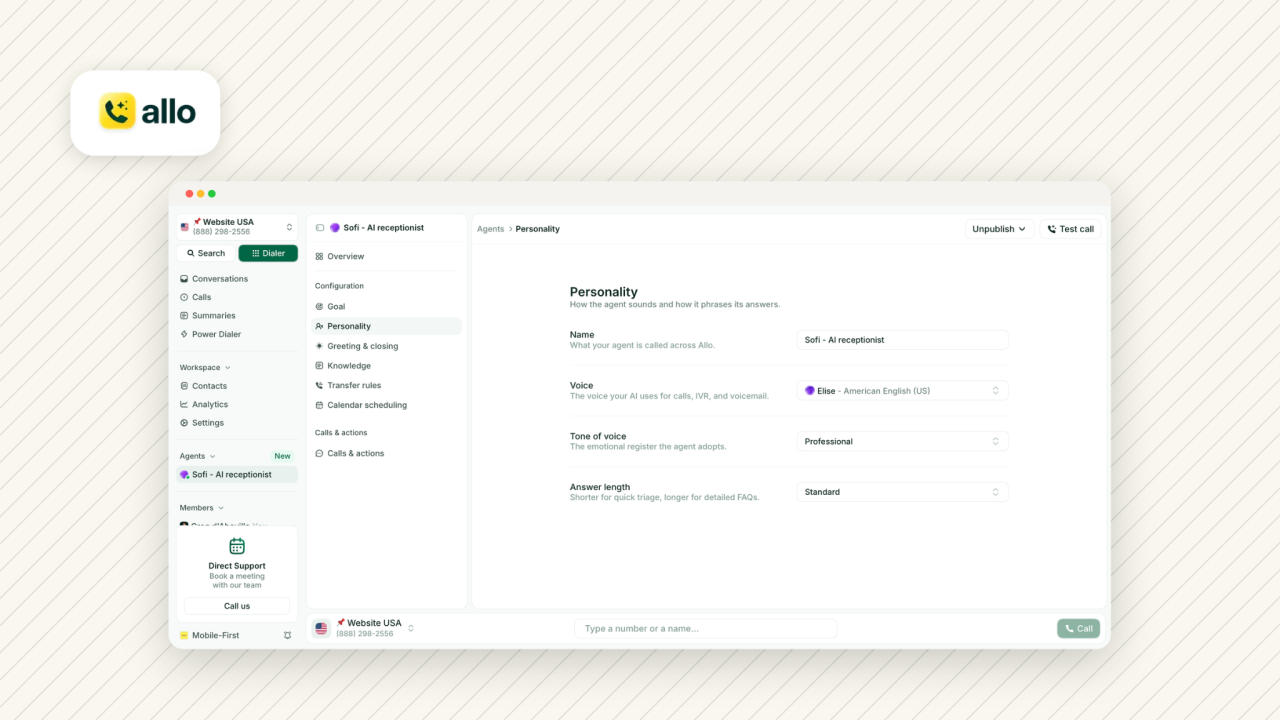
The power dialer loads a list and dials through it back to back. Contacts come from the Allo CRM view, a CSV upload, a Chrome extension that pulls them off a web page, the API, or from an LLM through Allo's MCP server, so a rep can build the queue by asking Claude for it. Between calls, Allo waits for the rep to finish wrapping up before dialing the next number. In that window the rep can apply call tags, write notes, reorder the queue or skip a contact. A number matching an existing contact links to it automatically.
There is no parallel dialer and no local presence. The AI layer covers transcription and summaries in 36 languages, drafted follow-up emails, an assistant that answers questions across past transcripts and texts, call memory that picks a conversation up where it left off, and an unlimited AI receptionist for inbound.
Allo pricing
Solo is $18/month for a single user billed yearly. Business is $45/user/mo, or $32/user/mo annually, and carries the power dialer, all integrations, custom AI summary templates, AI call tags, analytics and the MCP server. Ultra adds a library of AI agents. Extra numbers are $5/month each, and there is a 7-day free trial. AI is included on every plan rather than metered, which is why the effective cost sits lowest here.
Allo integrations
Eighteen native integrations, including HubSpot, Pipedrive, Salesforce, Attio, Notion, Zoho CRM, Apollo, plus Zapier for 1,000+ apps and an API. The HubSpot listing scores 4.7/5 with over 700 installs.
Allo pros and cons
- For it: native CRM sync that pushes recordings, transcripts and contact updates, an unlimited AI receptionist, webhook-driven workflows, and no add-on line items.
- Against it: some integrations gated to the Business plan, and no parallel dialing rules it out for high-volume list burning.
Ratings
- 4.7/5 on G2 across 209 reviews
- 4.1/5 on Trustpilot across 21 reviews
- 4.3/5 on the App Store
- 3.9/5 on Google Play
2. CloudTalk, the international caller's dialer
CloudTalk best for
Teams calling prospects in several countries who want local presence as a standard feature and the option to add multi-line dialing later.
CloudTalk key features
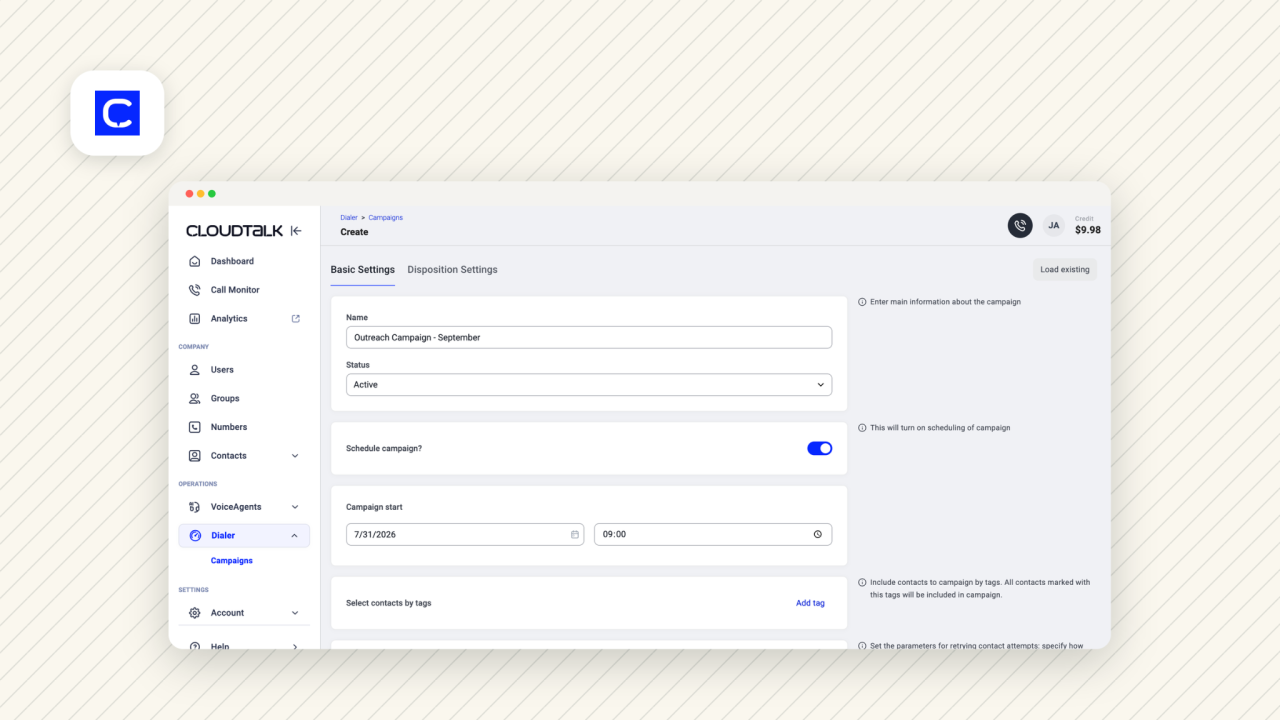
The power dialer imports from CSV or a CRM integration and can present a survey for the rep to fill in during the call, keeping disposition data structured. Local presence picks a number in the prospect's area, and G2 reviewers credit the automatic switch to a local number on international calls. Voicemail drop, call scripts and supervision tools round out the sales feature set.
A parallel dialer handles up to ten simultaneous lines with voicemail detection, but it is sold separately. The AI layer covers transcripts, summaries, topic extraction, sentiment analysis, talk-to-listen ratio, transcript search and an AI voice agent for inbound and outbound calls.
CloudTalk pricing
Starter is $34/user/mo, or $25 annually. Essential is $39, or $29 annually, and adds routing and integrations. Expert is $69, or $49 annually with a three-licence minimum, and this is the plan carrying the power dialer, live monitoring and advanced reporting.
The parallel dialer is a $39/user/mo add-on billed annually only. A 14-day free trial needs no card.
CloudTalk integrations
Seventy native integrations including Salesforce, HubSpot, Pipedrive, Zoho, noCRM and Odoo. The HubSpot marketplace listing scores 4.3/5, and the Pipedrive listing 4.0/5 across 203 reviews.
CloudTalk pros and cons
- For it: Reviewers consistently praise the interface, reliability and international call handling.
- Against it: The recurring complaints are call quality on some routes and slow support. Note the app store scores, far weaker than the desktop experience: 2.5/5 on the App Store and 3.7/5 on Google Play. If your reps dial from phones, test that first.
Ratings
- 4.4/5 on G2 across 1,849 reviews
- 4.1/5 on Trustpilot across 748 reviews
3. JustCall, the one with every dialing mode
JustCall best for
Teams that want to choose a dialing mode per campaign, and real estate teams already running Follow Up Boss or HighLevel.
JustCall key features
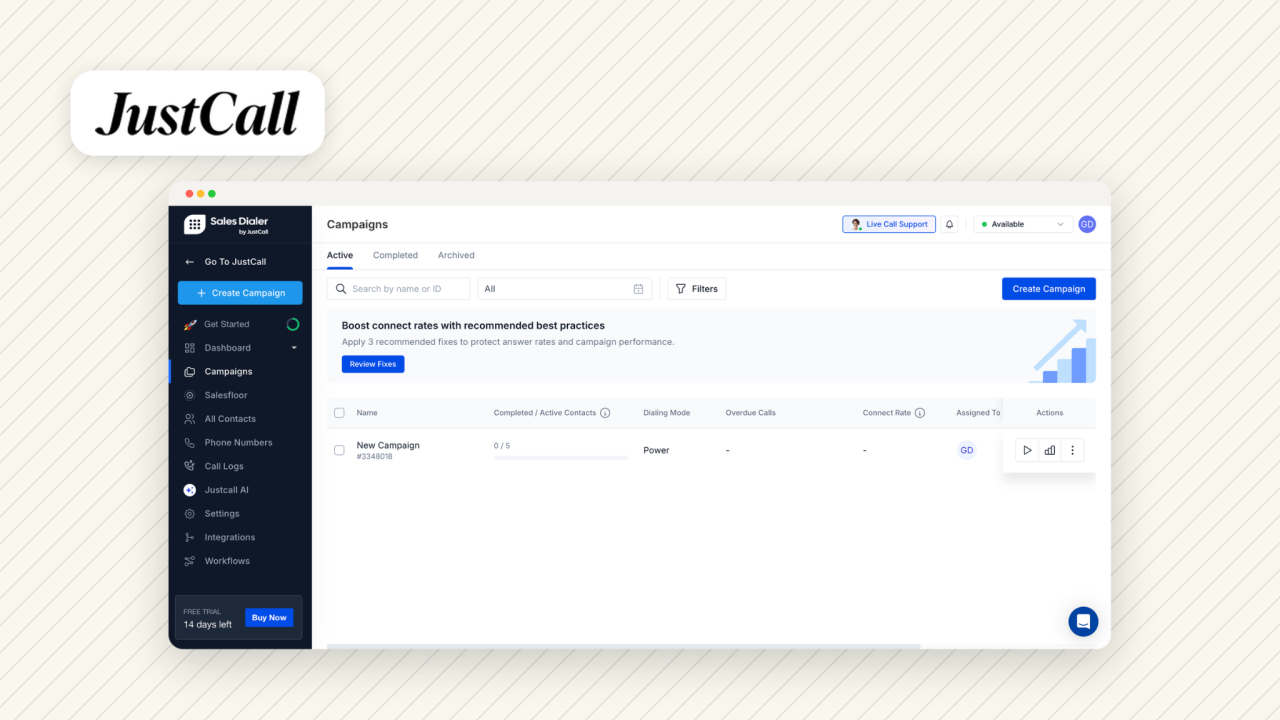
JustCall offers the widest set of dialing modes here: preview and power dialing for considered calls, a parallel dialer running up to ten simultaneous lines, and a predictive dialer that connects a rep only when a human answers. Voicemail drop, local presence and live call monitoring are all present.
Two features stand out for compliance-sensitive teams. Territory controls set business hours and calling windows per region, so a rep cannot dial into another time zone too early. DNC compliance is built in rather than bolted on. The AI layer covers transcripts, summaries, sentiment, topic extraction, call scoring, coaching and an outbound AI voice agent that qualifies leads, across 17 languages.
JustCall pricing
Team is $39/user/mo, or $29 annually, with a two-licence minimum. Pro is $69, or $49 annually, and carries the power dialer, bulk SMS and the Salesforce integration. Pro Plus is $109, or $89 annually, and adds real-time agent assist, sentiment analysis and call scoring.
Watch the add-ons. Transcripts are free on every plan, but the rest of the AI sits behind AI Review Assist at $9/user/mo, and the AI voice agent starts at $99/month for 100 minutes.
JustCall integrations
HubSpot, Pipedrive, Salesforce, Attio, Copper, Capsule, Freshsales, Salesloft, Intercom, and notably Follow Up Boss and HighLevel, two CRMs used heavily in real estate. The HubSpot listing scores 4/5, high for this category.
JustCall pros and cons
- For it: Affordable relative to the feature count, with strong CRM integrations reviewers single out.
- Against it: the AI is an add-on, the platform can be glitchy, and there are complaints about assigned numbers getting flagged as spam, which matters if you dial at volume.
Ratings
- 4.3/5 on G2 across 2,385 reviews,
- 3.8/5 on Trustpilot across 715 reviews
- 4.4/5 on the App Store
- 4.1/5 on Google Play.
4. Aircall, the established phone system with light dialing
Aircall best for
Mid-sized teams that want an established, deeply integrated phone system where outbound dialing is one workflow among many rather than the main event.
Aircall key features
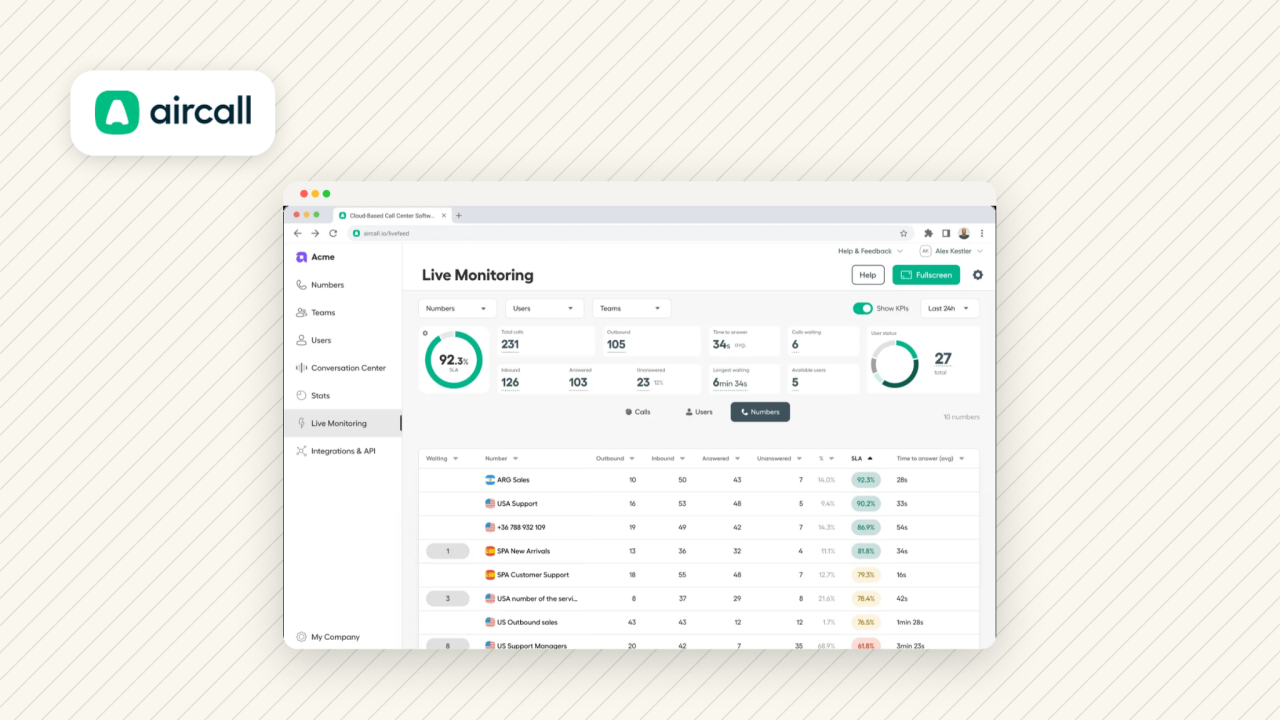
Be clear about what Aircall's power dialer is and is not. It is deliberately basic next to a pure dialer: voicemail drop, and CRM context pulled in before the call so the rep sees the record without switching tabs. There is no local presence and no parallel dialer, and the latter is a published position rather than a gap.
What surrounds it is strong. Unlimited outbound minutes, unlimited US and Canada calling and SMS, call monitoring with listen, whisper and barge, advanced analytics, and a deep Salesforce integration. Transcription is on every plan, with summaries, topic recognition, sentiment and call scoring in AI Assist, and live prompts, playbooks and automated post-call workflows in AI Assist Pro.
Aircall pricing
Essentials is $40/user/mo, or $30 annually, and covers a local number, unlimited US and Canada calling, IVR, call recording and SMS. Professional is $70/user/mo, or $50 annually, and carries the power dialer, voicemail drop, advanced analytics and unlimited recordings. Both require three licences minimum, which prices out very small teams. A Custom plan needs 25.
Add-ons stack: AI Assist at $9/user/mo and AI Assist Pro at $49/user/mo and Analytics+ at $15/user/mo.
Aircall integrations
The strongest argument for Aircall. Native integrations with HubSpot, Salesforce, Attio, Pipedrive, Zoho, Microsoft Dynamics, Odoo, Intercom, Shopify and HighLevel, plus coverage in 38 countries. The HubSpot listing scores 4.3/5 and the Pipedrive listing 4.0/5.
Aircall pros and cons
- For it: A trusted brand, integrations reviewers rate highly, broad country coverage.
- Against it: the add-on list is long enough to double the sticker price, the three-licence minimum hurts small teams, and AI Assist covers a narrow set of languages.
Ratings
- 4.4/5 on G2 across 1,591 reviews
- 3.2/5 on Trustpilot
- 4.5/5 on the App Store
- 3.1/5 on Google Play.
The G2-to-Trustpilot gap is the widest here, so read both.
5. Dialpad Sell, the coaching-heavy option
Dialpad Sell best for
Salesforce-based teams where manager coaching is a first-order requirement and the budget stretches to $95/user/mo annually.
Dialpad Sell key features
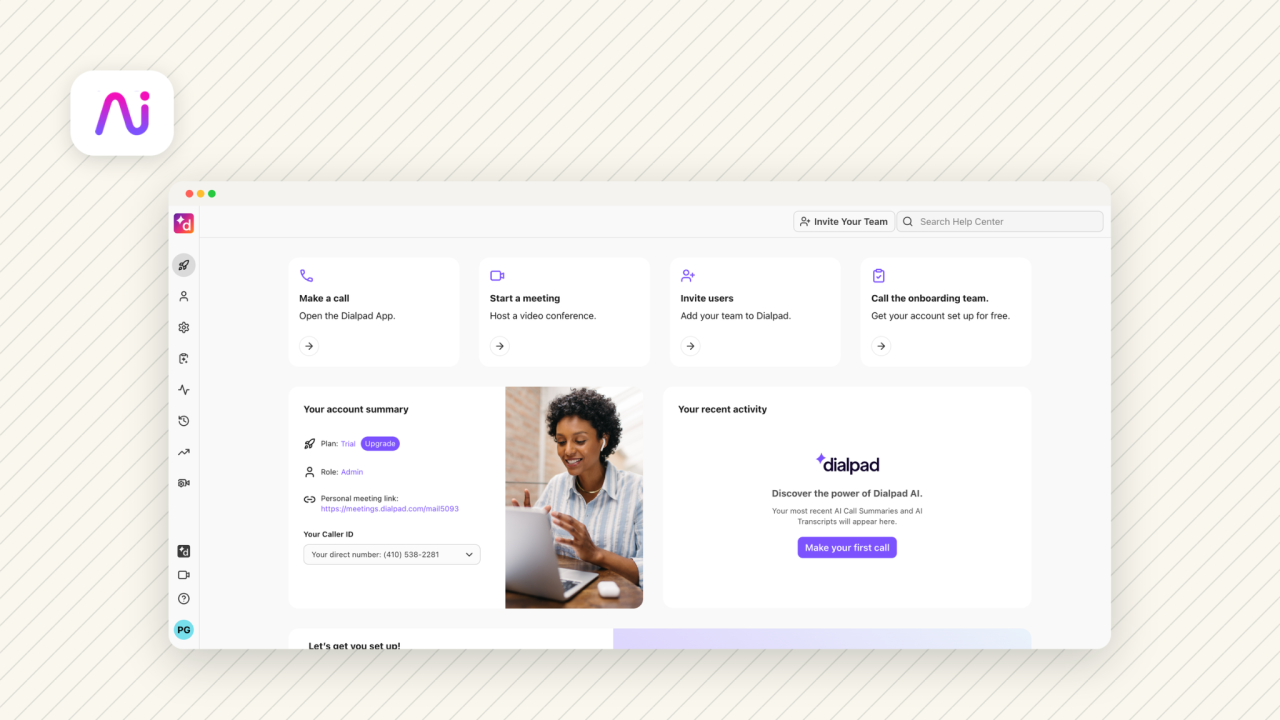
The dialer imports from CSV, the API or Salesforce, and Salesforce is the only CRM it supports for dialing. Voicemail drop is included from the Advanced plan up. There is no parallel dialer.
Where Dialpad separates itself is calling rules and live coaching. Calling rules govern when to call by time zone and calling window, how often through attempt limits and multiple passes, and who not to call via a do-not-contact list. AI Playbooks track whether reps actually follow BANT, SPICED or SPIN. Real-time monitoring gives managers live transcripts and live sentiment while a call is in progress.
Dialpad Sell pricing
Sell starts with the Essentials plan at $49, or $39 annually, Advanced at $110, or $95 annually, and Premium at $170 ($150 annually). The Salesforce power dialer, local presence, voicemail drop and AI Live Coach all require Advanced.
AI Scorecards, AI CSAT and AI Playbooks require Premium.
A 14-day free trial is available.
Dialpad Sell integrations
Salesforce, HubSpot, Outreach, Microsoft Dynamics, Zoho CRM, Copper and Intercom, plus Zapier and Make. The caveat is above: the power dialer itself only works with Salesforce. The HubSpot listing scores 3.8/5.
Dialpad Sell pros and cons
- For it: the AI is the strongest argument, and it is included rather than metered.
- Against it: reviewers report call quality problems, a significant learning curve, and long support wait times. The Android app is the weak point at 3.2/5 across 3,350 reviews, against 4.6/5 on iOS.
Ratings
- 4.4/5 on G2 across 4,192 reviews
- 4.1/5 on Trustpilot
6. Orum, the parallel dialer specialist
Orum best for
SDR teams with enough list volume and enough compliance maturity to justify dialing several prospects at once.
Orum key features
Parallel dialing is the product. Orum dials between one and seven prospects at once, up to ten lines on the higher plan, and connects the rep to whoever answers. It pulls contacts from the CRM, lets you choose between desk and mobile numbers, and drops voicemails on detection.
Salesfloor is the differentiator beyond dialing: remote reps listen to colleagues' live calls and talk while they work, recreating some of the ambient learning of a sales floor. The AI layer covers roleplay agents for practice, scorecards that grade openers, discovery, objection handling and closing, and objection identification across 20+ languages.
Orum pricing
Two plans, Launch and Ascend, neither publicly priced (which itself is a sign that the product is probably the most expensive in this list).
Launch covers unlimited dials, five caller IDs per user monthly, parallel dialing up to five lines, and analytics. Ascend adds international calling to 160+ countries, data enrichment credits, ten parallel lines, ten caller IDs and coaching. Both carry a three-seat minimum.
Orum integrations
Four: HubSpot, Salesforce, Outreach and Salesloft. A deliberate narrow focus on the outbound stack rather than a limitation to work around, but it does mean Pipedrive, Attio and Zoho users are out.
Orum pros and cons
- For it: The parallel dialer works, the AI is substantial, and the tool feels refreshingly modern.
- Against it: a learning curve at the start, pricing that is hard to establish before talking to sales, and no mobile app at all.
Ratings
- 4.6/5 on G2
- 4.8/5 on Capterra
- 4.5/5 on the HubSpot marketplace.
The six at a glance
| Tool | Plan with the dialer | Price (annual) | Dialing modes | AI included |
|---|---|---|---|---|
| Allo | Business | $32/user/mo | Progressive | Yes, all plans |
| CloudTalk | Expert | $49/user/mo | Progressive, parallel (add-on) | Yes, receptionist extra |
| JustCall | Pro | $49/user/mo | Preview, power, parallel, predictive | Transcripts only, rest $9/user/mo |
| Aircall | Professional | $50/user/mo | Progressive, no parallel | Transcripts only, AI Assist $9/user/mo |
| Dialpad Sell | Advanced | $95/user/mo | Progressive, Salesforce only | Yes, all plans |
| Orum | Launch | Quote only | Parallel, up to 10 lines | Yes |
The verdict
The right power dialer is mostly a function of two things: how many numbers you need to get through, and what you want to happen after the call ends.
- For a considered list and as little admin as possible, Allo does the most for the least, at $32/user/mo annually with AI and CRM sync included rather than metered.
- If you dial across borders, CloudTalk and JustCall both give you local presence, with JustCall adding every dialing mode up to predictive.
- Aircall suits mid-sized teams that want a proven, deeply integrated phone system, provided you price the add-ons honestly.
- Dialpad Sell earns its $95 if you are on Salesforce and coaching is the point.
- Orum is the specialist: buy it when list volume makes parallel dialing worth the price and the compliance overhead, not before.
Where Praiz fits in
A power dialer gets you the conversations. What happens to them afterwards is a different problem, and it is the one Praiz works on. The two layers stack: your dialer handles the call and its summary, Praiz reads across all of them to tell you which opener is booking meetings and which objection keeps coming back.
That reading is done by specialised AI agents running on every call from your telephony stack. Scoring agents apply your own cold call framework, so call scoring covers 100% of conversations instead of the handful a manager has time to review, and tracking agents surface the competitors prospects name unprompted. Teams running Praiz see a 22% improvement on key sales skills within eight weeks.
Dialer for the volume. Praiz for what the volume is telling you.
Every cold call, not a sample
Turn your dialer output into coaching data
Praiz scores 100% of your cold calls against your own framework and surfaces the objections that keep costing you meetings.
Frequently asked questions
Is it legal to use a power dialer?
Generally yes, but the rules tighten as you move up the modes above. Progressive dialing, one call placed at a time after a human hangs up, attracts the least regulatory attention. Parallel and predictive dialing raise abandoned-call questions in several jurisdictions. The safeguards are the same everywhere: scrub against do-not-call lists, respect calling windows by time zone, keep consent records.
How do I pick the right power dialer for my company?
Four questions, in order. Which dialing mode does your list justify? Which CRM must it write back to, and how well does that integration score? What sits behind an add-on rather than in the plan price, since local presence, voicemail drop, parallel dialing and AI frequently do? And what is the real per-user cost at your seat count, given the licence minimums CloudTalk, JustCall and Aircall attach to the plans carrying the dialer?
If my dialer has AI, do I still need a conversation intelligence tool?
They answer different questions. A dialer's AI works call by call: transcribe this one, summarise it, tag it, draft the follow-up. Conversation intelligence works across calls, comparing how a message lands over a quarter, which objections recur, and which behaviours correlate with closed deals. Small teams often find the dialer's summaries sufficient. Once coaching and forecasting depend on that data, a dedicated platform is the right layer.

.png)