.webp)




Meeting transcription turns what was said in a meeting into written text, with speaker names and timestamps. Every major platform now does it, included in the subscription you already pay for, which has quietly changed the question. Getting a transcript is no longer the hard part. This article covers what Teams, Google Meet and Zoom actually require, where each one puts the file, and the three structural limits that explain why teams with transcription everywhere still cannot find anything.
Your last thirty meetings were probably transcribed. Could you answer a question about what was said across all of them?
The bottom line: native transcription solves the capture problem and leaves the retrieval problem untouched. The file lands in one person's drive, in one platform's format, as unstructured text. It answers what happened in that meeting, and nothing about what happens across meetings, which is where the useful questions live.
What each platform requires
| Platform | What it takes | Where the file lands |
|---|---|---|
| Microsoft Teams | Admin policy turned on, organiser setting on, desktop app | The organiser's OneDrive for Business |
| Google Meet | A supported Workspace edition, computer or Android | The organiser's Drive, in a Google Meet folder |
| Zoom | A paid plan and the feature enabled by the account owner | The host's cloud recording area |
The middle column matters more than it looks. In all three cases, transcription is conditional on something an individual user does not control, which is why the most common question about meeting transcription is not how to use it but why the button is greyed out.
Microsoft Teams, in practice
Teams transcribes participant speech in real time during any scheduled meeting, showing speaker names and timestamps in a side panel. Microsoft's own support page on live transcription in Teams meetings notes two constraints worth knowing before you plan around it: live transcription runs on Teams for desktop, and transcripts for meetings with recording or transcription are stored in the meeting organiser's OneDrive for Business.
Two consequences follow. Someone joining from the browser or from a phone cannot start it, and the transcript belongs to whoever created the meeting rather than to the team. On top of that, live translated transcription is a Teams Premium feature, so multilingual teams hit a licensing wall rather than a technical one.
Google Meet, in practice
Meet works the same way with different edges. Google's help page on using Transcripts with Google Meet states that the feature is available on a computer, laptop or Android device, that transcripts are saved in the meeting organiser's Google Drive in a Google Meet folder, and that transcripts are on by default for Workspace editions other than Education with a student licence.
The device restriction is the one that catches people out: joining from an iPhone means no transcript, whatever your plan. And because a new file is created each time Transcripts is started, stopping and restarting mid-call leaves you with two partial documents rather than one.
The three limits that matter
- Ownership. The file sits with the organiser, so the record of a meeting depends on who happened to send the invite.
- Platform lock-in. Most teams use two or three tools, which means two or three formats, two or three storage locations, and no common view.
- Structure. A transcript is text. There is no field, no tag, nothing that lets you compare one meeting with another.
The third is the real one. A transcript answers what was said in that meeting, which is genuinely useful when you missed it. It cannot answer which objection came up most often this quarter, or which competitor was mentioned in deals that were later lost, because nothing in the text is a value anything can count.
Transcript, notes, minutes: not the same object
These get used interchangeably and are different artifacts with different readers. A transcript is the complete record, read by almost nobody end to end. Notes are a condensed version for the people who were there. Minutes are a formal record of decisions, written for people who were not. And a recap email is none of the three: it is a short message that fixes a shared version of the conversation while both sides still remember it.
Pasting a transcript where a recap belongs is the most common mistake here, and it signals that no judgement was applied.
Before you turn it on everywhere
Transcription is recording, legally speaking, which means consent rules apply the same way. In the EU that means telling participants, having a lawful basis, and keeping the files no longer than you need them. Our guide to GDPR and call recording covers what that means for a sales team in practice.
Worth checking too: native transcripts inherit the retention policy of the drive they sit in, which is rarely the policy you would have chosen for conversation data.
From transcript to data
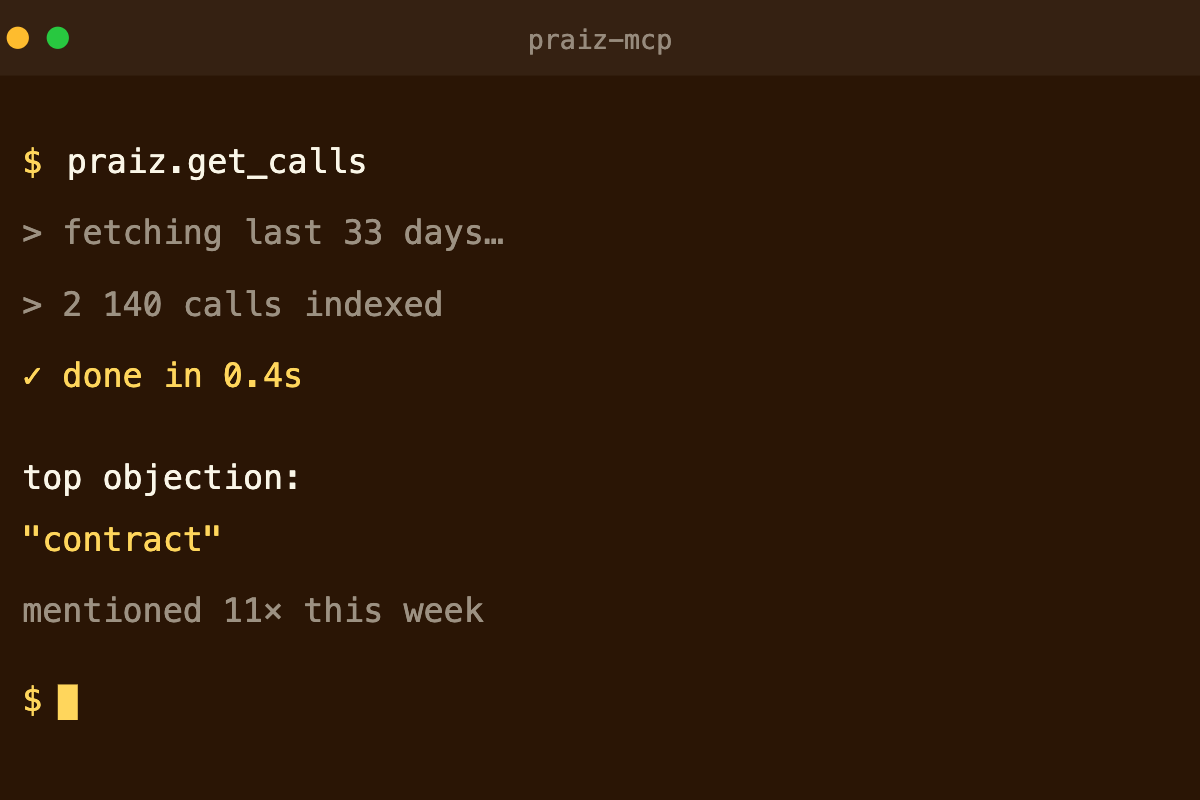
Praiz starts where native transcription stops. Calls and video meetings are captured and transcribed across Teams, Meet and Zoom in one place rather than three, with enterprise-grade accuracy across more than 100 languages, so the record no longer depends on which platform the customer picked or who sent the invite. Then specialized agents read each transcript and extract what you decided matters: the objections raised, the competitors mentioned, the qualification criteria the buyer confirmed, the commitments made on both sides. Those become structured fields written to your CRM, which is what turns thirty transcripts into something you can query by period, by segment or by rep. Praiz customer teams save 1h30 per person per day on note-taking and reporting. What gets extracted is configured to your own model in the Praiz AI agents library, with onboarding handled alongside you rather than left as a blank template, and our comparison of AI transcription tools covers the wider market.
See it in action
Transcripts you can actually ask questions of
Praiz transcribes across Teams, Meet and Zoom, then turns each conversation into structured fields in your CRM.
Frequently asked questions
Do Teams, Meet and Zoom transcribe meetings natively?
All three include it, with conditions. Teams needs an admin policy turned on and runs live transcription on the desktop app. Google Meet needs a supported Workspace edition and works on a computer or an Android device.
In both cases the file lands in the organiser's own storage rather than a shared location.
Where is a meeting transcript saved?
In the organiser's storage. Teams live transcripts are stored in the meeting organiser's OneDrive for Business, and Google Meet saves transcripts to the organiser's Google Drive in a Google Meet folder.
Anyone who did not organise the meeting has to be granted access.
Why is a transcript not enough on its own?
Because it is raw text with speaker names and timestamps, and nothing else. It answers what was said in one meeting, which is useful.
It cannot answer what buyers said about pricing across thirty meetings, because nothing in it is structured or comparable.